
Browser tip: Keep video full screen with multiple monitors (Firefox)
If you have multiple monitors and use Firefox to view a HTML5 video (using the <video> tag, such as in the YouTube HTML5 player) or perhaps have a WebGL game that runs full-screen, you will find that the moment you click away to another window on the other monitor, Firefox leaves full-screen mode. This makes it completely useless for watching video while doing something else. There is a fix for it.
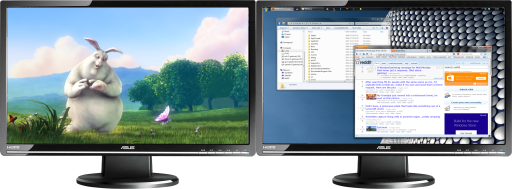
In Firefox, go to about:config, find a property called full-screen-api.exit-on-deactivate and set it to false (which you can do by doubleclicking on it). No need to restart the browser. It'll keep your full-screen content full-screen. Quite why this isn't the default is beyond me. Of course, to get out of full-screen mode, just press Esc.
Source: Bugzilla Bug #724554.