
Literally stuck in LEGO Batman the Videogame or is it freezing? Try this!
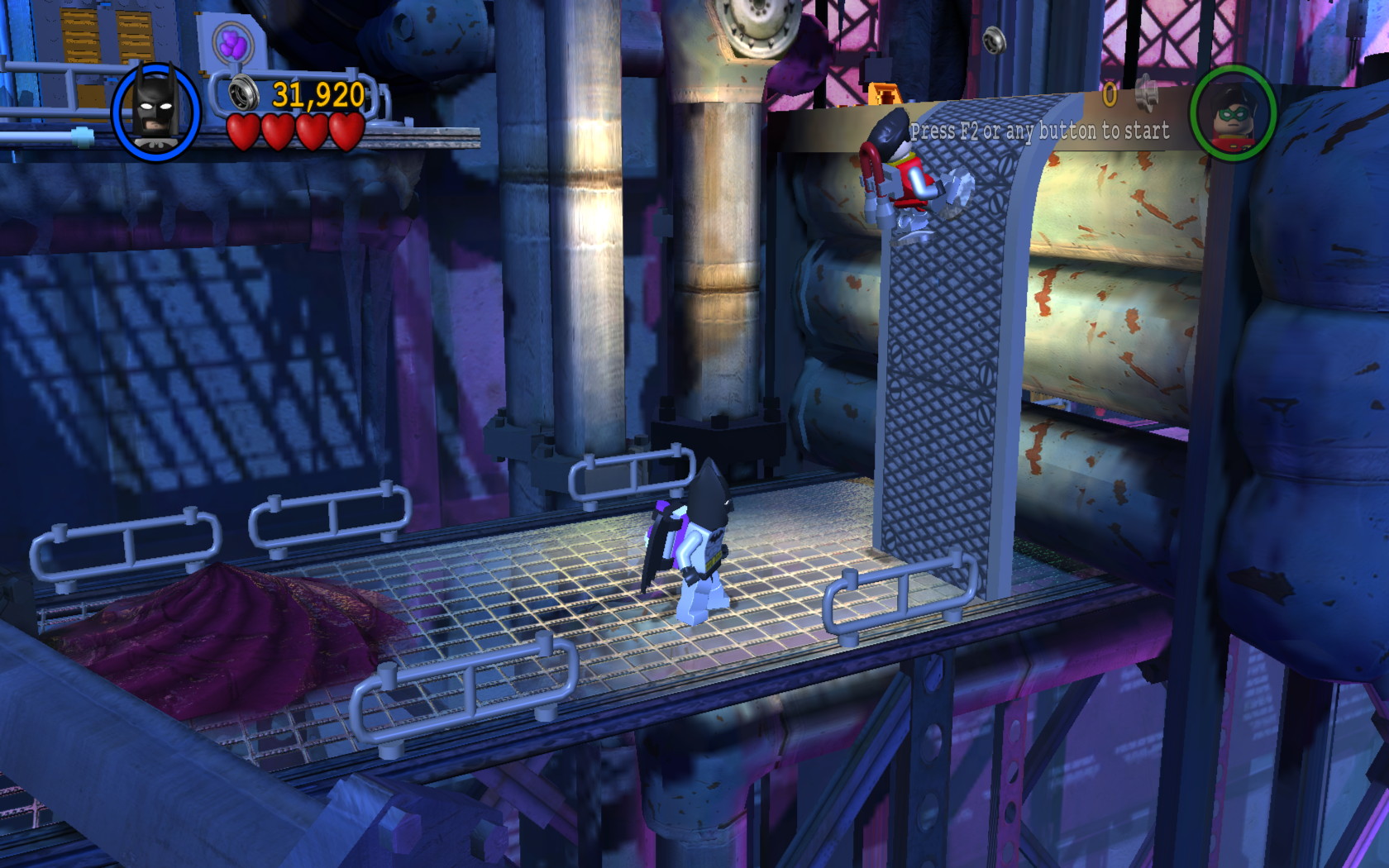
In the second level in the first episode of LEGO Batman: the Videogame, you may get stuck being unable to walk up a wall or a pipe in Mr. Freeze's hideout using the magnetic boots. If not there, you may encounter other similar glitches as well, even with the AI-controlled character getting stuck in those same locations in single-player mode. In other cases, the game may freeze (no pun intended) every few seconds. There is a simple workaround for this.
If you've experienced the glitch in the video above or something similar, you may want to try turning on vertical sync in the graphics options menu whenever you encounter it. With vsync on, you should be able to progress beyond that point normally. I'd recommend turning vsync back off immediately after, though. At least on my system, the game tended to freeze every few seconds with vsync enabled. To unfreeze, just Alt-Tab out of the game and back in immediately.
That's a really weird bug and my best guess is that the game experiences a rounding error due to timing issues when the game runs at more than 60fps. The joys of running more than a decade old games on a Windows 10 system with faster hardware than was available when they were programmed. It might even be related to or exacerbated by the current NVIDIA graphics drivers and perhaps it is not an issue with other video cards or drivers.
TL;DR turn vsync off when you experience freezing, turn vsync on when you experience movement or AI glitches
Sidebar: what is vsync anyway?
Back in the old days of CRT displays, the image on screen was drawn by an electron beam sweeping across the phosphorous coating on the inside of the picture tube. After a full frame had been drawn, the electron beam had to move back to the top of the screen (the electron gun being switched off so it didn't draw anything) to be ready to draw the next frame. This is called the vertical retrace.
To ensure the smoothest graphics game software tended to wait for this vertical retrace to do all their drawing to the display buffer. If the game didn't do this, it might end up changing the display buffer whilst it was being drawn. This could result in the top part of the display showing one frame and lower parts of the display already showing the next intended frame. If there was motion between those two frames, this would show as a visible horizontal line. That artefact was called screen tearing.
Synchronising to the vertical retrace (vsync) thus improved graphics quality, but it also came at a performance cost. If your computer was capable of processing all the graphics in the time it took to display a frame, let's say 1/60th of a second for 60fps, this was no problem. If, however, the game was graphically intensive enough in a way that your hardware couldn't finish drawing all the graphics in time, it would end up waiting for the next vertical retrace. If your hardware was only capable of displaying 59fps consistently, vsync would make it draw at 30fps instead. Then, it would be best to disable vsync, sacrificing a bit of graphical smoothness for more fluid gameplay. For a game with fast action, 59fps with a little tearing is usually preferred over a smoother 30fps.