
Magento: Loading a category or product by URL key
Sometimes you want to load a specific category (or product) in Magento. It's easy enough to load an object by its ID number, but magic numbers are bad. Besides, the number could differ between your development environment and the live production site. Fortunately, it is also possible to load an object by its url\_key.
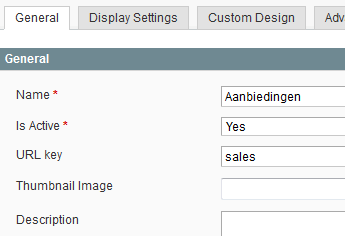
Normally, you might load a category by ID through the simple code load ($id);. To load the category by URL key, a bit more code is needed. Here's how:
getCollection () -
The same works with products (but use the catalog/product model instead of catalog/category).
Where's the name?
If you try to call getName() on the returned category object, it won't return the actual category name. You might not need it (for instance, when you're only querying the products in that category), but then again, you might. Even more so for product objects. You can tell Magento to include the name (or any other attribute) before querying it:
getCollection () -
What about the price?
Using that category to load products? You probably want to include at least the name of that product and the price you expect customers to pay for it. Here's another snippet:
getProductCollection () -
What about everything else?
If you really want to load everything about a product or category, use "\*" as the parameter to addAttributeToSelect().